When I really want to focus on one person I tend to "cut" the picture into a circle, like this layout made with Oceanside -
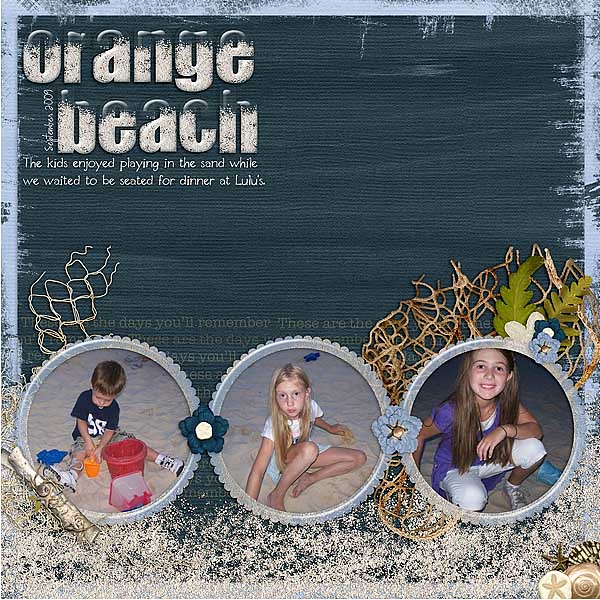
For this weeks challenge, show me layouts where you have "cut" your photos into a shape. Upload your page into the Trixie Scraps Gallery and link it up in the comments to be entered into our monthly drawing!
Here's some other example pages from the Trixie Scraps Stars:
By Beth, using Lovey Days and Love Me Some White Space Templates, Vol. 3:

By Stacy, using Owl Always Love You:

By Jennifer, using Fishy Friends:


All Trixie Scraps Designs products can be found in the following online stores:
Trixie Scraps Shop * Gotta Pixel * Scrapbook Bytes * Funky Playground
No comments:
Post a Comment
Thanks for sharing your thoughts with me!